Create Your Own Retro Game Boy Adventure
Inspiring GB Studio Creations
Explore stunning examples of what you can build with GB Studio
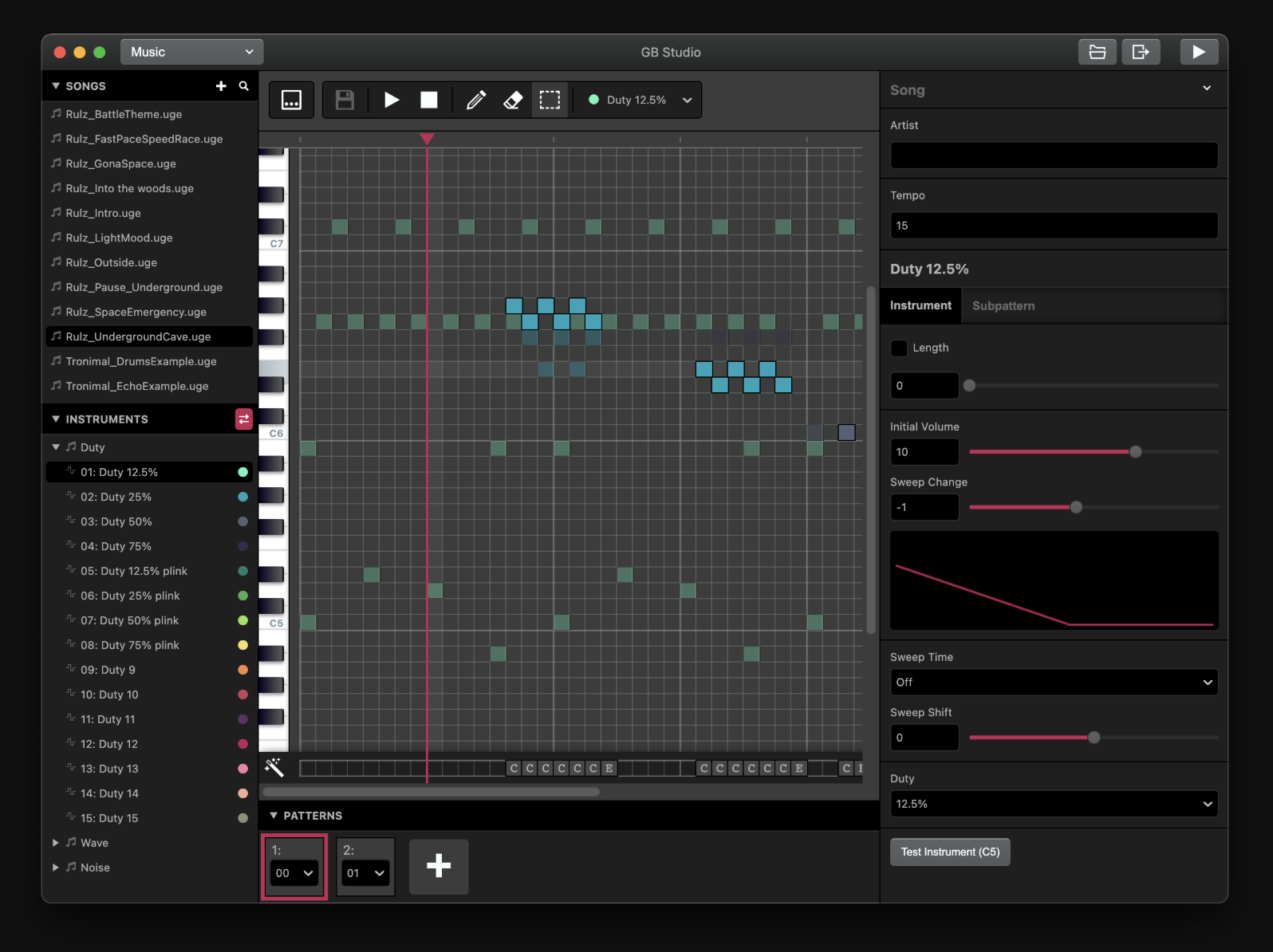
GB Studio Music Editor
Compose authentic Game Boy chiptune music with the built-in music editor and tracker
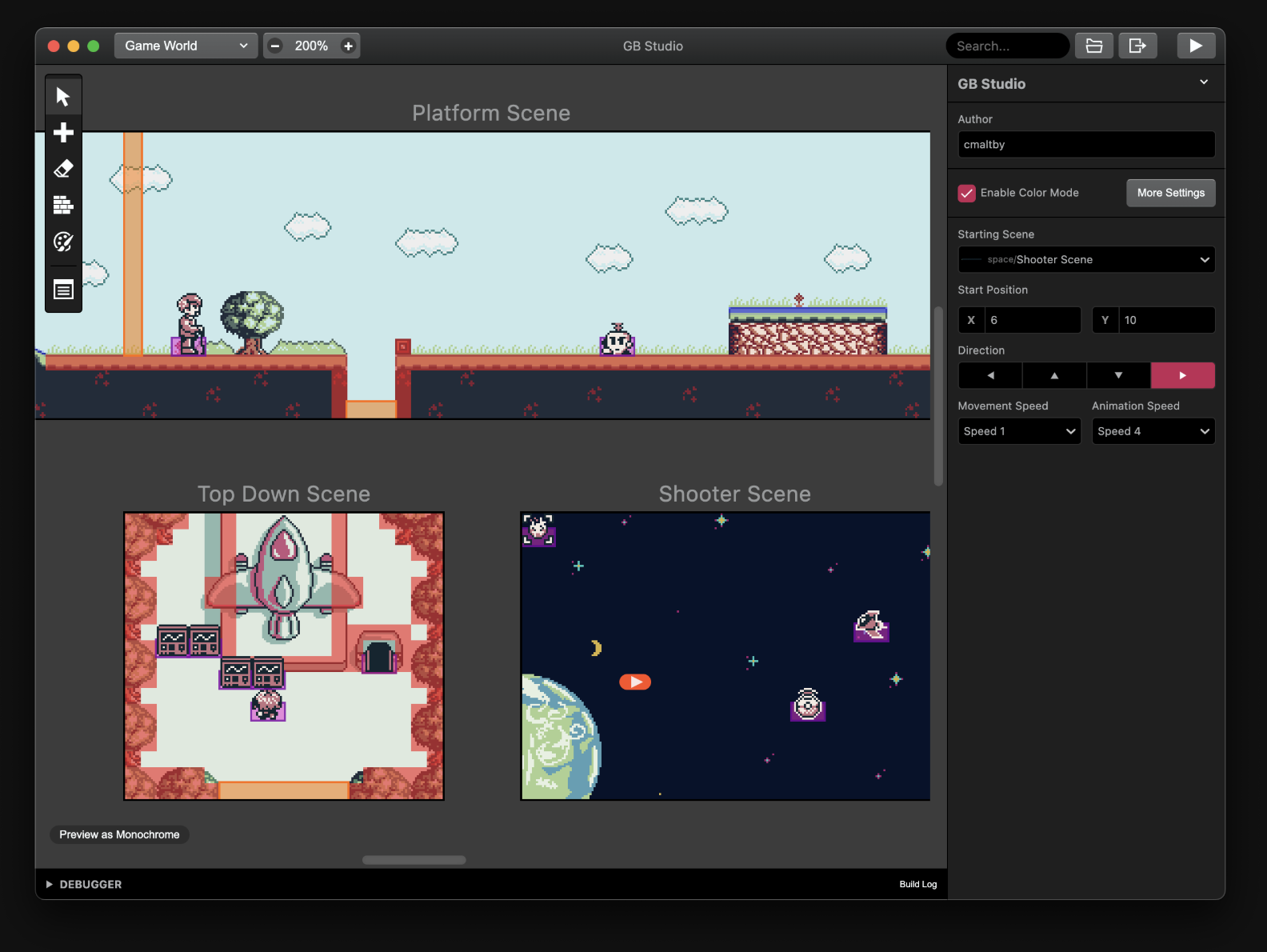
GB Studio Interface
Explore the intuitive drag-and-drop interface for creating retro Game Boy games
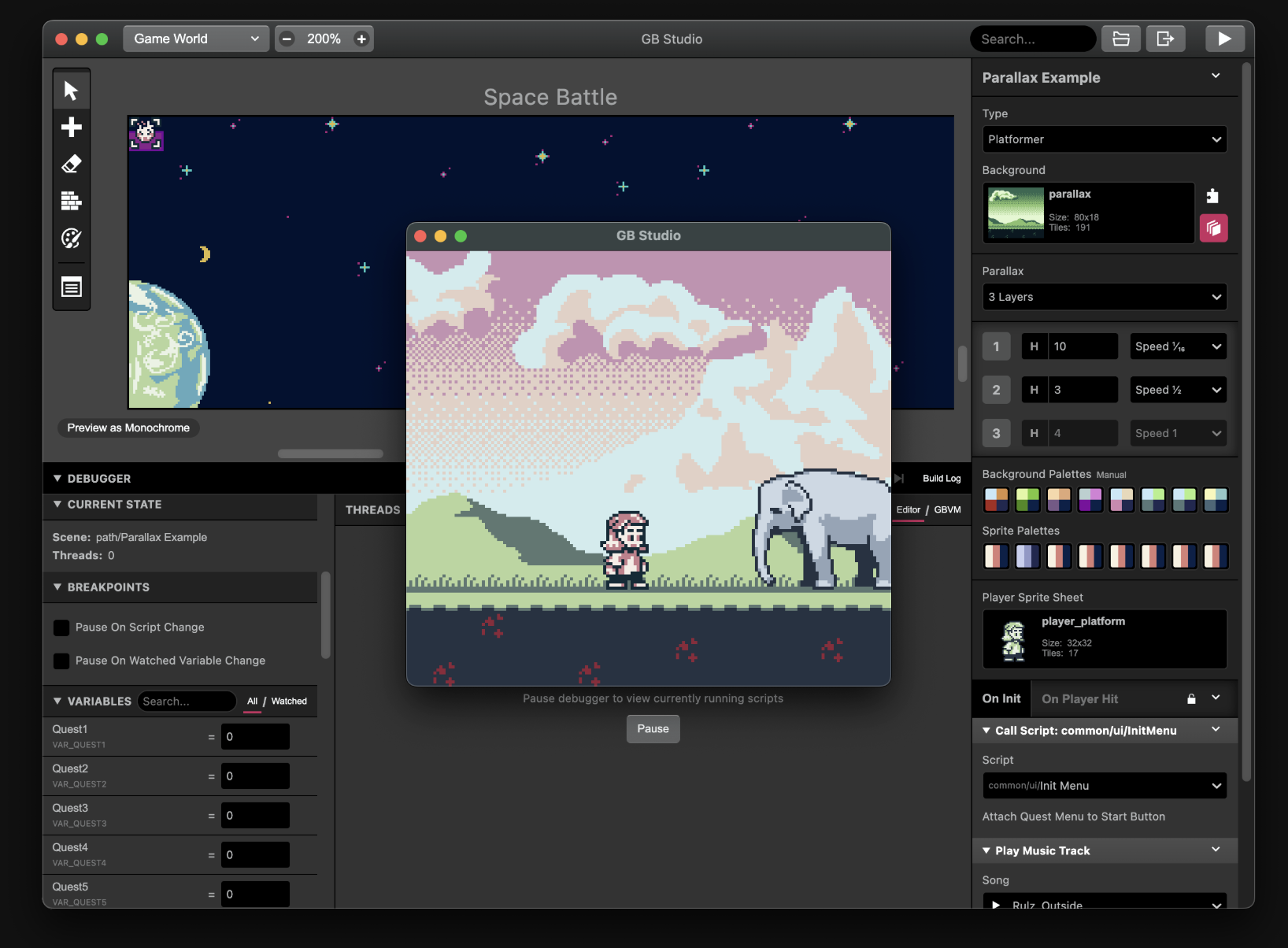
Game World Editor
Design and build your game worlds with the powerful scene editor and platformer tools
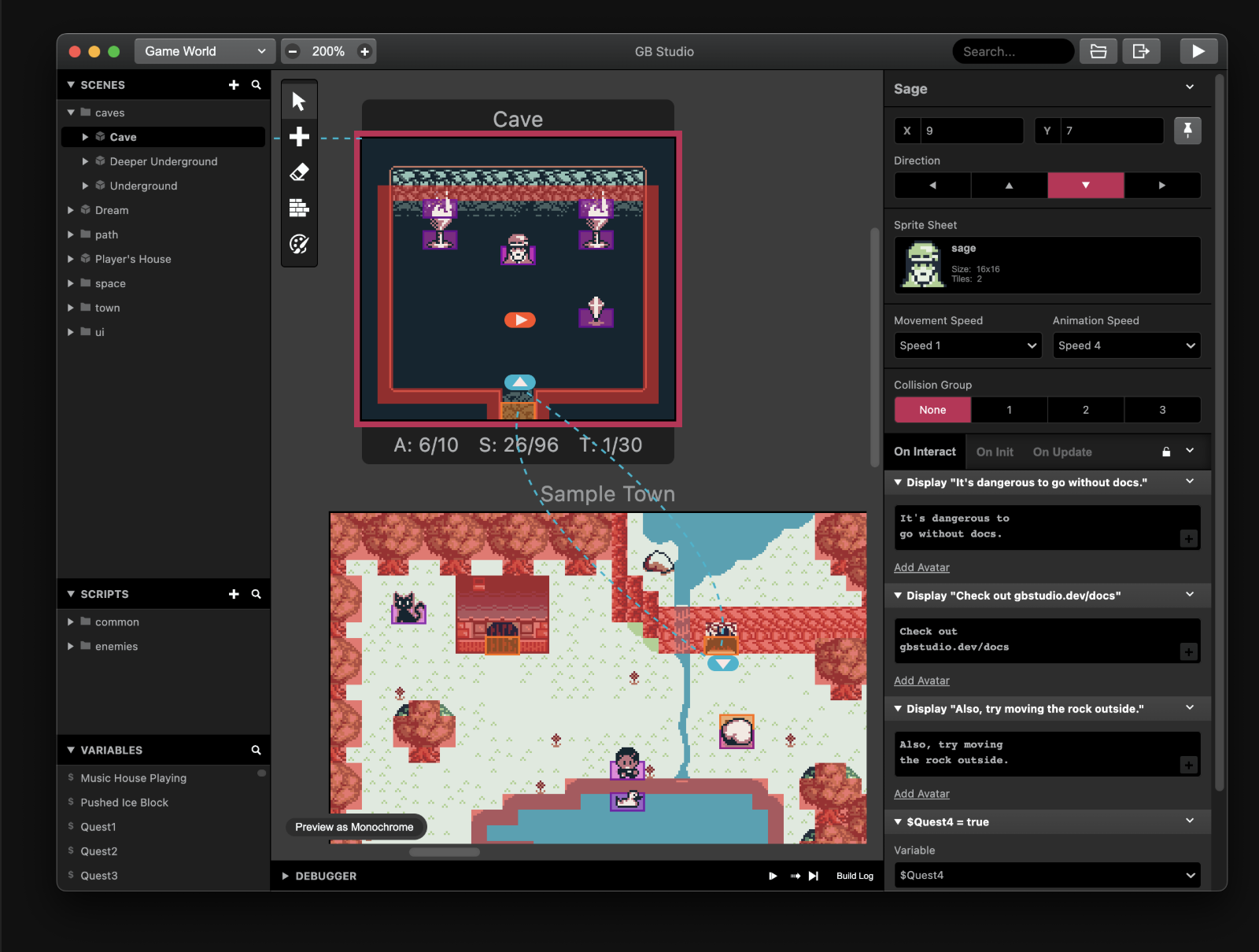
Map & Scene Editor
Create interconnected scenes, manage game variables, and script interactive elements
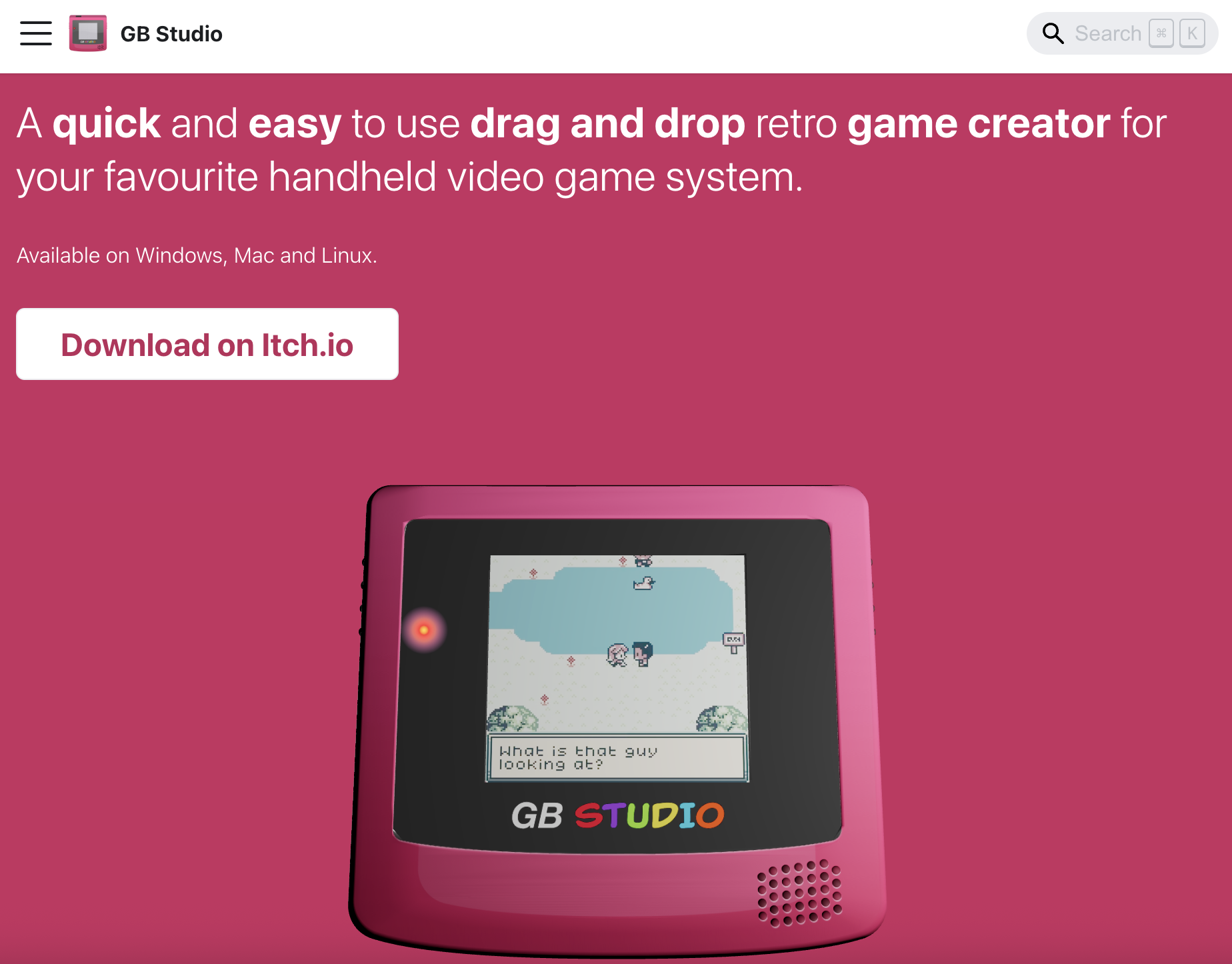
GB Studio Program
Build complete games with advanced features including parallax scrolling and sprite palettes
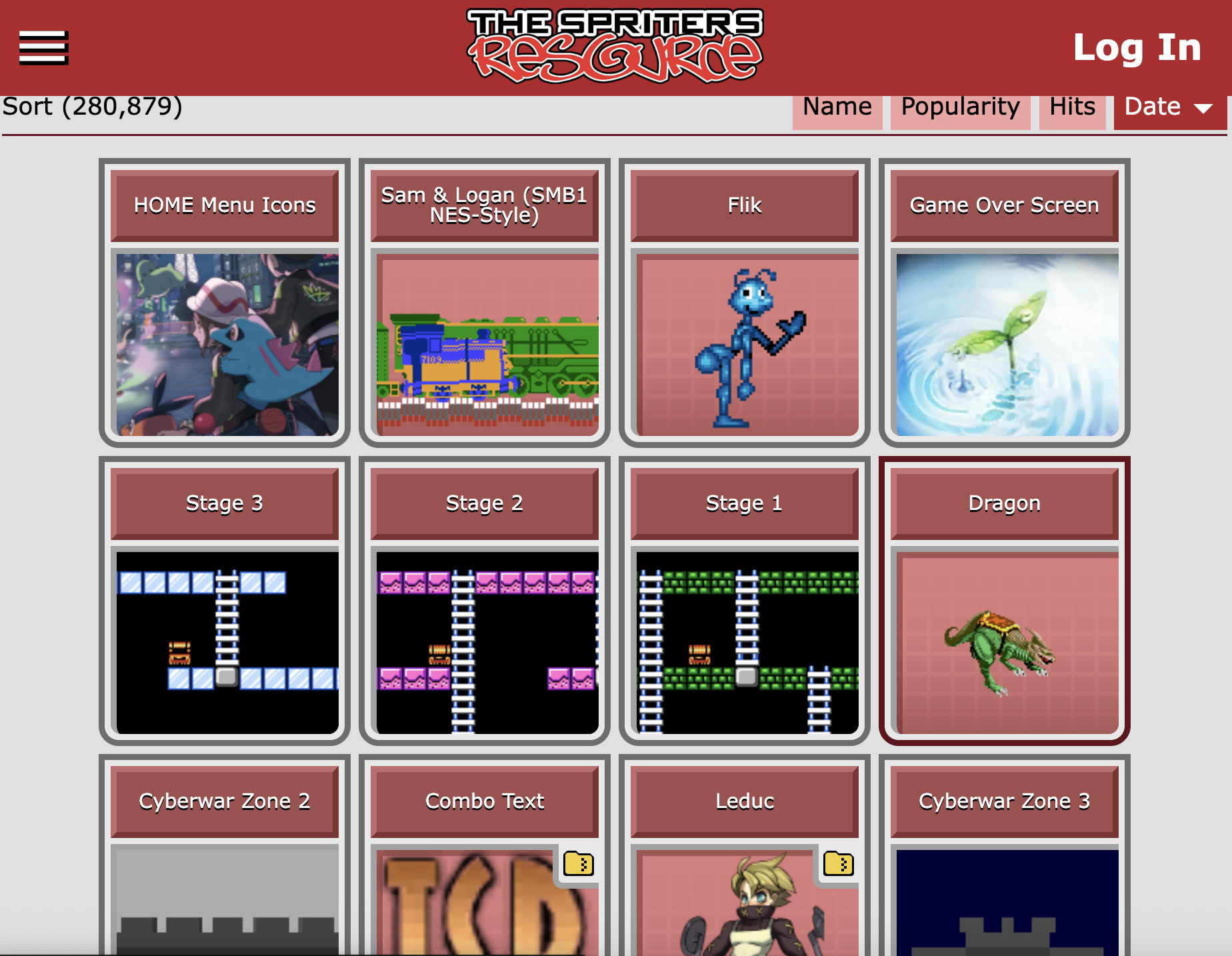
Sprinter's Resource
Access thousands of game sprites, tilesets, and assets to jumpstart your project
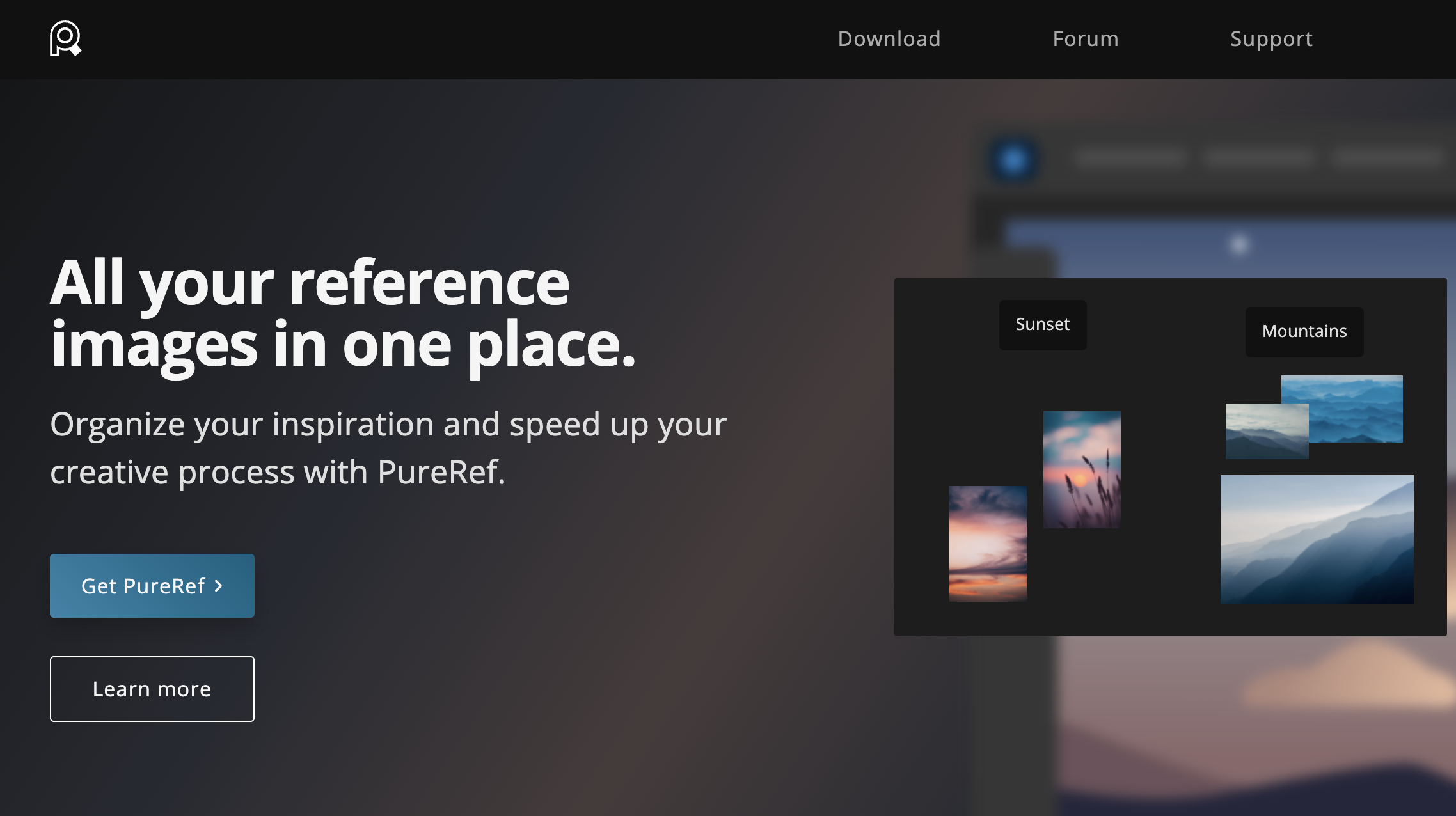
PureRef Reference Board
Organize all your reference images, inspiration, and assets in one convenient workspace
Step-by-Step Guide
1
Download GB Studio
Get started by downloading the GB Studio software from the official website. GB Studio is a free, easy-to-use game creator that allows you to make retro-style games for the Game Boy.
2
Download GB Studio Game Palettes
Download the official game palettes to ensure authentic Game Boy colors. These palettes will help you create graphics that look true to the original Game Boy aesthetic.
3
Download LibreSprite
Install LibreSprite, a free and open-source pixel art editor for creating your game assets. This powerful tool will help you design sprites, tiles, and animations for your game.
4
Use Sprinter's Resource for Tileset
Get started with Sprinter's resource tileset to quickly build your game world. This resource provides pre-made tiles that you can use as a foundation for your game's environment.
5
Use PureRef to Track Resources
Keep track of what's being used and what's not with PureRef reference board. This tool helps you organize your assets, references, and keep your project workflow clean and efficient.
6
Build Your Game: Skeleton, Alpha, then Beta
Start with a skeleton build to establish core mechanics, then move to alpha for feature completion, and finally beta for polish and bug fixes. This iterative approach ensures a solid foundation before adding complexity.
Learn More
Have questions or need help with your GB Studio project? Contact us by filling out the form below.